Image Cleanup
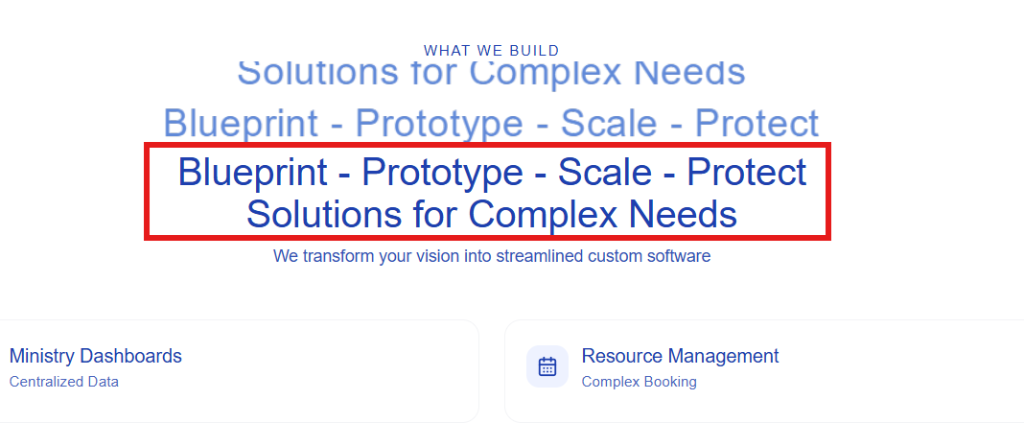
Draw a box over the text, then click Erase Area. Download when it looks right.
Source Preview
Editor
Tip: Click–drag to draw a box over the text you want to remove, then press "Erase Area". Repeat once or twice if needed.
Draw a box over the text, then click Erase Area. Download when it looks right.
Tip: Click–drag to draw a box over the text you want to remove, then press "Erase Area". Repeat once or twice if needed.
We use cookies to enhance your browsing experience. Under the California Consumer Privacy Act (CCPA), you have the right to opt out of the sale of your personal information.